

You’re ready to set up your router but unsure where to start. First, connect it to your modem and power it on. Access the settings through your browser using the IP address in the manual. Configure your network name and password, then connect your devices. Keep your router updated and clean for best performance. There’s more to explore about optimizing your network setup.
Router Basics: What It Is and When to Use It
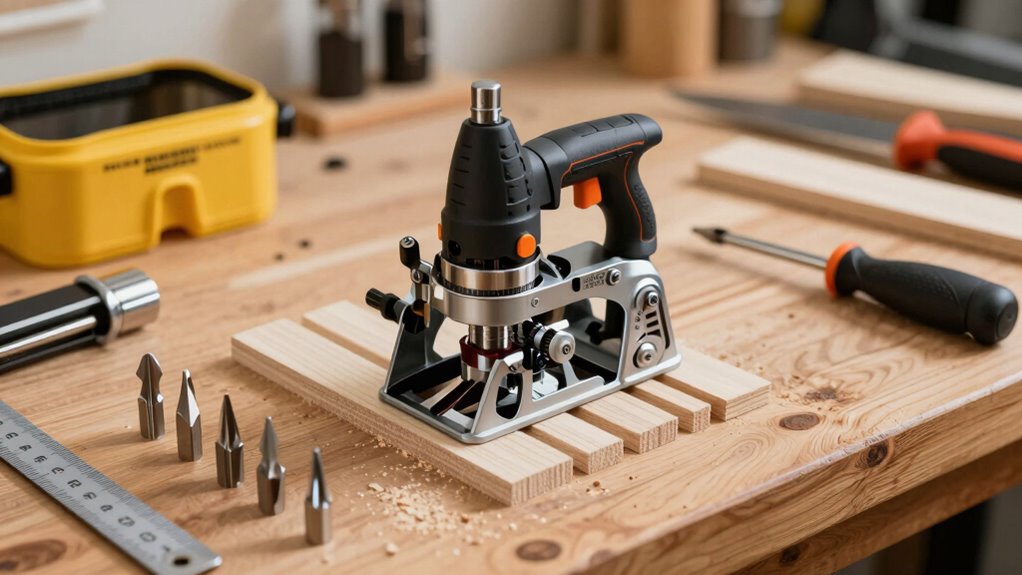
A router is a networking device that directs data traffic between different networks, making it vital for connecting multiple devices to the internet and enabling communication across various network segments.
You’ll use a router whenever you need to share an internet connection among several devices like computers, phones, and tablets. Routers create local networks, allowing your devices to communicate with each other while maintaining a single internet connection.
You’re part of a growing community that relies on routers for seamless connectivity. Modern routers handle wireless and wired connections simultaneously, supporting multiple devices without performance degradation.
You’ll find routers in homes, offices, and businesses wherever network connectivity is essential. Understanding router basics helps you troubleshoot connectivity issues and optimize your network performance effectively.
Choosing the Right Router
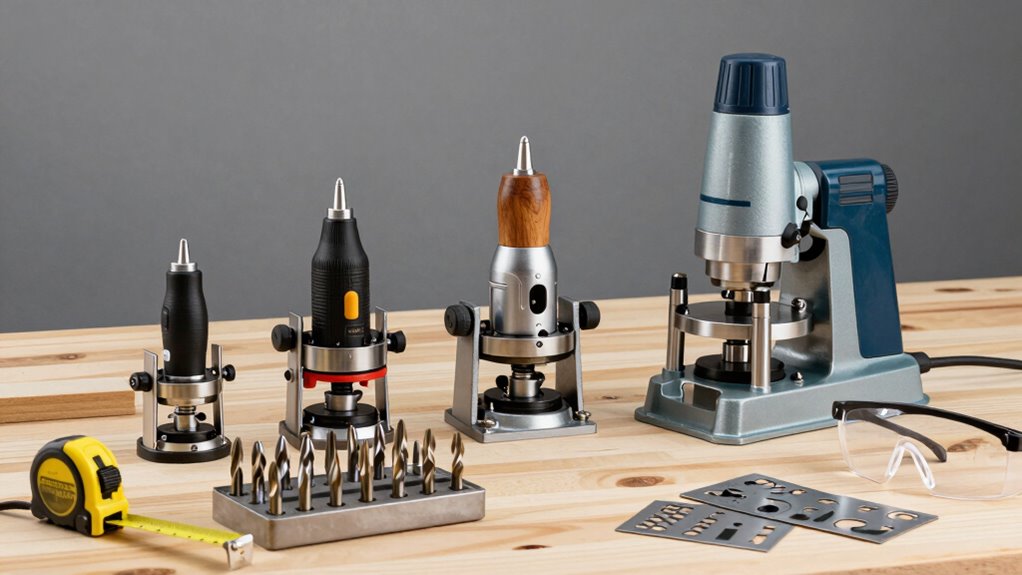
You need to understand the different types of routers available before making a purchase decision.
Consider key features like speed, range, security protocols, and port configurations that match your specific networking requirements. These factors determine which router will best support your home or office connectivity needs.
Types Of Routers Available
Routers come in several distinct categories, each designed for specific networking needs and environments.
You’ll encounter wired routers that use Ethernet cables for stable, high-speed connections.
Wireless routers broadcast Wi-Fi signals, letting devices connect without cables.
Mesh routers use multiple nodes to eliminate dead zones in larger spaces.
Gaming routers prioritize low latency for smooth online gameplay.
Business routers offer advanced security features and VLAN support for professional environments.
Travel routers are compact devices perfect for hotel stays or remote work.
Each type serves different requirements, so you should match your router choice to your specific usage patterns and network demands.
Consider your home setup, device count, and performance expectations when selecting among these options.
Key Features To Consider
Having explored the various router categories available, it’s time to examine the specific features that determine ideal performance for your network.
You need to take into account bandwidth capacity, which affects how much data flows through your system simultaneously. Look at the number of Ethernet ports available for wired connections. Dual-band or tri-band capabilities let you avoid congestion by using different frequencies.
You should check processor speed and RAM specifications, as these directly impact routing performance. Antenna configuration matters for wireless coverage throughout your space.
Firmware update support guarantees long-term security and functionality. Quality of Service (QoS) features help prioritize important traffic like video calls or gaming.
Don’t overlook security protocols like WPA3 encryption. These specifications determine whether your router truly meets your networking demands.
Must-Know Router Bits for Basic Woodworking Projects
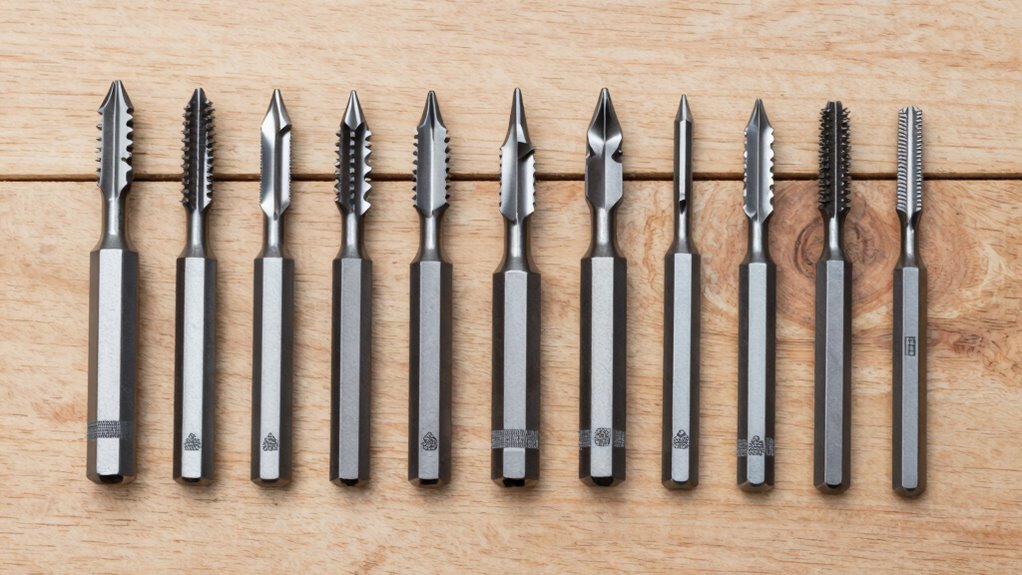
Straight-cutting bits form the backbone of most basic woodworking projects, delivering clean, precise cuts that define the foundation of quality craftsmanship. You’ll rely on straight bits for dadoes, rabbets, and groove cutting.
Trim bits handle edge profiling and template work efficiently. Chamfer bits create angled edges that eliminate sharp corners and add visual appeal. Rounding-over bits soften edges while maintaining structural integrity. You should master these four bit types first.
Each bit’s carbide edges require periodic inspection for wear or damage. Store bits properly to maintain cutting precision. Don’t attempt complex profiles until you’ve practiced basic cuts extensively.
Your project success depends on selecting appropriate bit diameters and shank sizes. Invest in quality bits rather than cheaper alternatives that compromise cut quality. These fundamental bits will handle ninety percent of your beginner woodworking needs effectively.
Setting Up Your Router: Safety and Preparation

Before you begin setting up your router, always disconnect the power source and verify that the tool is unplugged. You must wear safety glasses and guarantee your workspace is well-lit and free from clutter.
Check that your router bits are sharp and properly seated in the collet. Tighten the collet nut securely but avoid over-tightening. Position your router on a stable surface and connect it to a grounded outlet.
Adjust the depth setting according to your project requirements. Always double-check your measurements before powering on. Keep your hands away from the cutting area and maintain firm control of the tool.
These preparation steps aren’t optional—they’re essential for both safety and achieving professional results that fellow woodworkers will respect.
Making Your First Cut With a Router
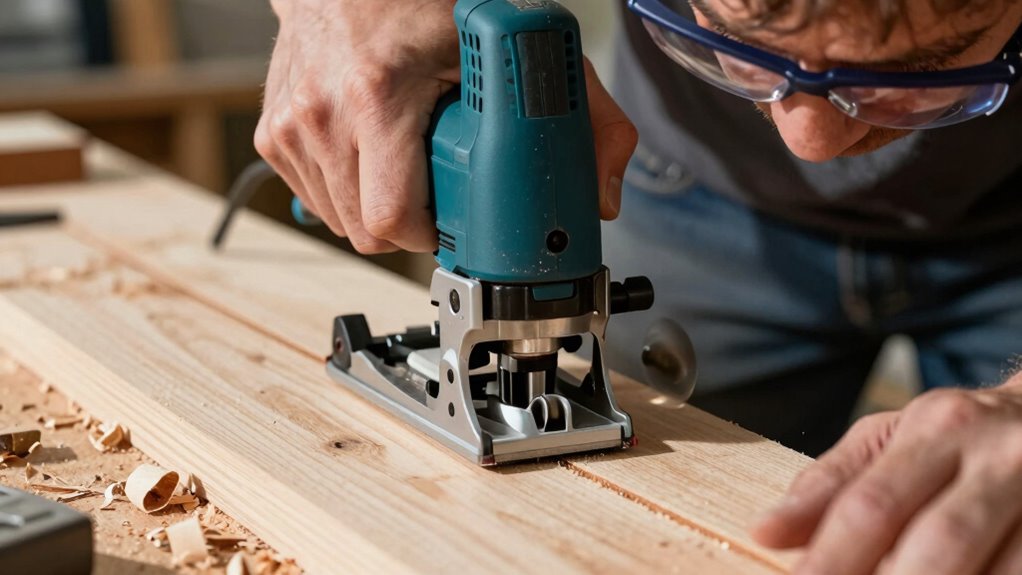
Before making your first cut, you’ll need to complete essential safety preparations and properly configure your router settings.
You should always wear safety glasses and guarantee your workpiece is securely fastened to prevent movement during operation.
Once you’ve verified these critical setup steps, you’re ready to execute your initial routing cut with confidence.
Safety First Precautions
When you’re ready to make your first cut with a router, guaranteeing proper safety measures prevents accidents and equipment damage.
You must wear safety glasses to protect your eyes from flying debris and dust. Keep your workspace well-lit and free from clutter that could cause tripping hazards. Always disconnect the router from power before changing bits or making adjustments.
Maintain a firm grip on the router with both hands during operation. Never force the router through material or make excessively deep cuts that could cause kickback. Keep your fingers away from the cutting area and use push sticks when working with small pieces.
Guarantee proper ventilation to avoid inhaling dust particles. These precautions protect both you and your investment.
Setting Up Your Router
Although you’ve taken all necessary safety precautions, setting up your router properly guarantees accurate cuts and prevents costly mistakes.
First, install the appropriate bit for your project, confirming it’s securely tightened in the collet. Adjust the depth setting according to your cutting requirements, measuring from the router’s base plate. Set the speed appropriately—lower speeds for larger bits, higher speeds for smaller ones.
Check that all guards and safety features are properly positioned. Verify your router’s base is clean and flat against your work surface.
Test the setup on scrap material before cutting your actual project. Proper setup guarantees clean, precise cuts while maintaining control throughout the routing process.
Making Your First Cut
With your router properly configured and tested on scrap material, you’re ready to make your first cut on the actual workpiece.
Position your router so the bit contacts your marked cutting line. Maintain a firm grip on both handles as you start the motor. Advance the router steadily along your intended path, keeping consistent pressure. Move at a moderate pace – too fast creates tear-out, too slow burns the wood.
Follow your pencil marks precisely for accurate results. Keep the router base flat against your work surface throughout the cut. Complete the cut in one continuous pass when possible. If you need to stop, lift the router completely before restarting.
Check your cut depth and adjust if necessary. Clean up any rough spots with sandpaper after cutting.
Common Routing Techniques for Woodworking Projects
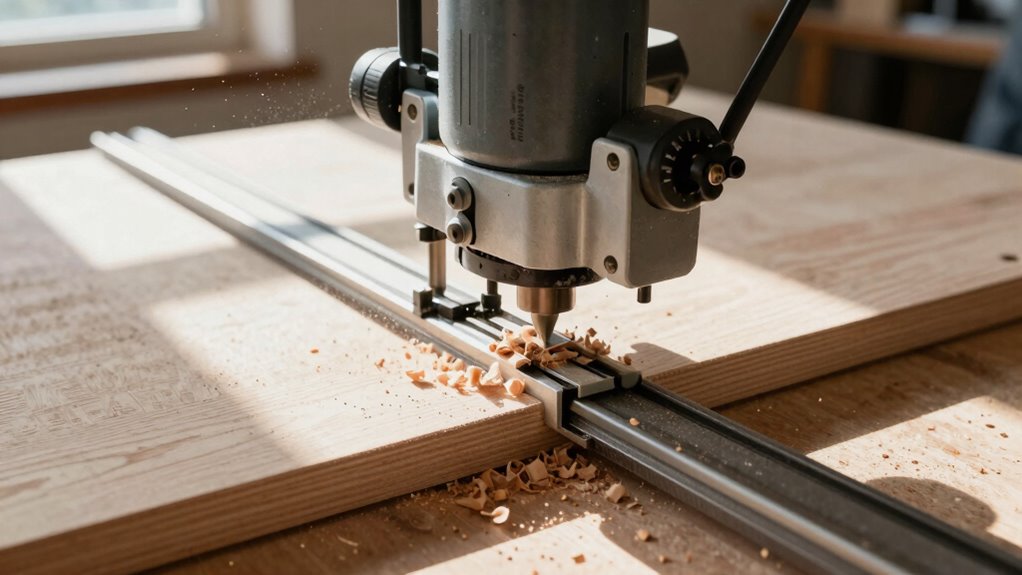
Several fundamental routing techniques form the backbone of most woodworking projects.
You’ll frequently use edge profiling to create decorative borders and smooth changes between surfaces. Rabbeting cuts recessed areas for joints, while dadoes cut precise grooves for shelf support. Mortising removes material for door hinges and hardware installation.
You should master template routing for consistent, repeatable shapes using guide bushings. Chamfering creates beveled edges that reduce sharpness and add visual appeal. Dovetail joints require precise bit control for interlocking connections.
You’ll also perform inlay work by routing cavities for decorative materials. Pocket routing creates hidden recesses for hardware.
Each technique demands proper bit selection, correct speed settings, and steady feed rates. Practice these methods on scrap wood first. Your project success depends on understanding when and how to apply each routing technique effectively.
Troubleshooting Router Issues and Mistakes

When your router produces burning marks or rough cuts, you’re likely feeding the workpiece too slowly or using dull bits that need replacement.
You’ll also notice poor results from incorrect router speed settings.
- Speed matters: Too fast causes burning, too slow creates tear-out. Match bit diameter to appropriate RPM – smaller bits need higher speeds.
- Feed direction counts: Always cut against the bit’s rotation. Feeding with rotation causes dangerous kickback and poor surface finish.
- Depth settings: Taking too much material at once overloads the motor and creates uneven cuts. Make multiple shallow passes instead.
Check your router’s base plate alignment when experiencing wandering cuts.
Verify proper bit installation in the collet – loose bits create vibration and poor results.
You belong in the workshop when you master these fundamentals.
Maintaining Your Router for Longevity and Performance
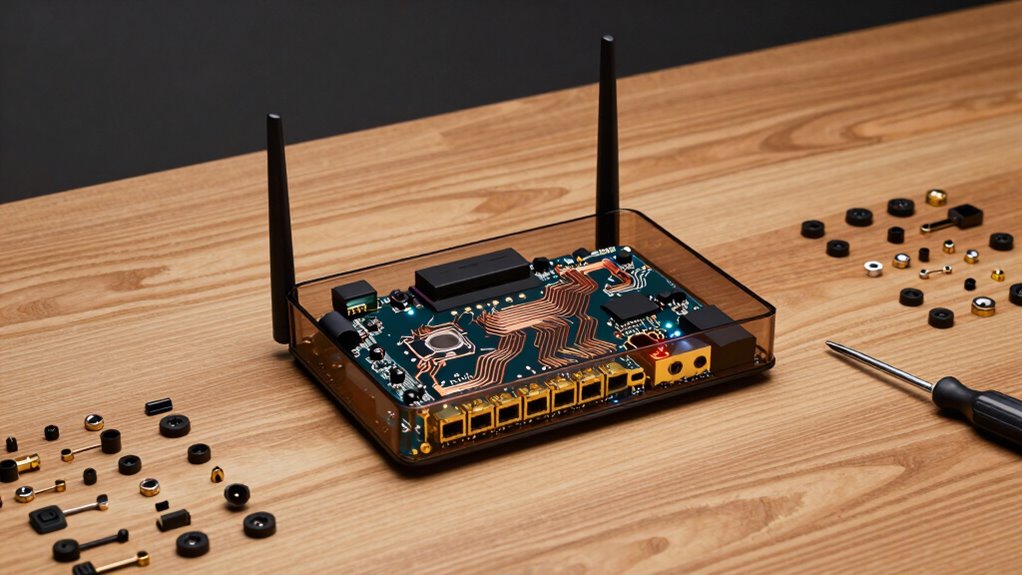
Regular maintenance guarantees your router operates at peak performance while extending its service life. You should clean dust from vents and fans monthly using compressed air.
Update firmware through the admin interface whenever new versions release. Check cable connections periodically for loose or damaged ports. Monitor temperature by feeling the exterior housing during heavy usage.
Restart your router weekly to clear temporary files and reset connections. Position it away from heat sources and metal objects that interfere with signals.
Examine LED indicators regularly for unusual patterns. Document your network settings before making changes.
You’ll prevent common failures and maintain consistent internet speeds. These practices keep your router functioning efficiently while avoiding premature replacement costs and connectivity issues.
Conclusion
You’ve now mastered router basics, from setup to maintenance. Like a skilled craftsman with their tools, you’ll create seamless networks and tackle projects confidently. Keep practicing, stay updated, and remember that proficiency comes with experience. Your router’s potential is limitless when you understand its capabilities and limitations.
